How to Close the SaaS Feedback Loop (And Why It Reduces Churn)
16 min readUpdated July 21, 2026
On this page▾
- What a Feedback Loop Actually Is
- Why Most Companies Break the Loop
- What Happens When the Loop Is Broken
- What Happens When the Loop Works
- How to Build a Feedback Loop That Runs Itself
- The Connected System: Feedback Board + Roadmap + Changelog
- Why Surveys Alone Don’t Close the Loop
- 7 Ways SaaS Teams Break the Feedback Loop
- Tools for Building a Feedback Loop
- Measuring Your Feedback Loop
- FAQ
- Stop Letting Feedback Disappear
A customer submits a feature request. You read it, agree it’s a good idea, and add it to the backlog. Six months later, your team builds it. The customer who asked for it never finds out. They churned three months ago.
This is the most common way SaaS companies waste the goodwill of engaged users. The feature got built. The customer wanted it. But nobody closed the loop between “we heard you” and “it’s live.”
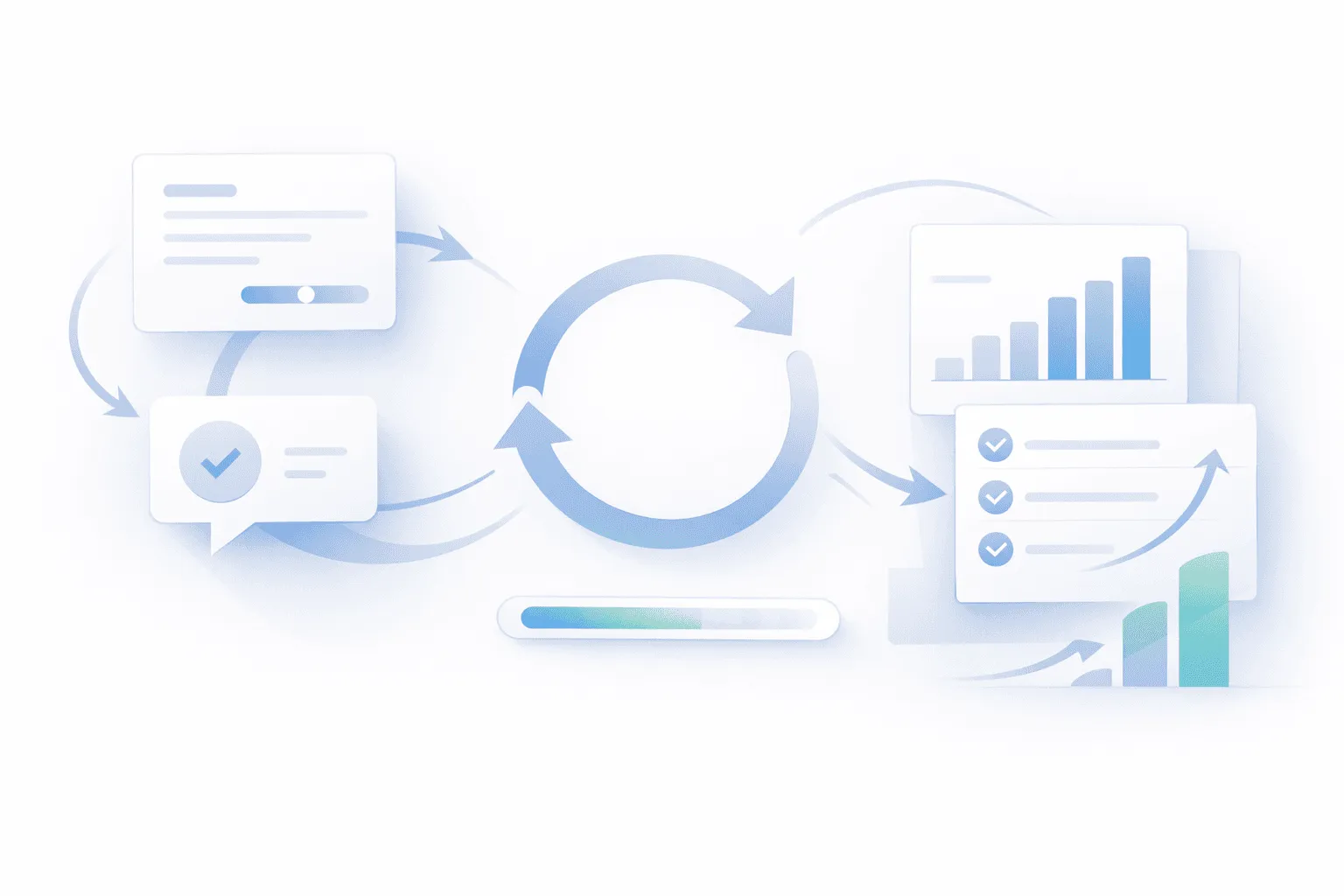
A feedback loop isn’t just collecting input — it’s the complete cycle of gathering feedback, acting on it, and communicating back to the people who gave it. When this loop works, users feel like partners in your product. When it’s broken, they feel like they’re shouting into a void.
This guide covers the full feedback loop — what it is, why it matters for retention, how to set one up that runs without manual effort, and how to connect it to your feature voting board, public roadmap, and changelog.
What a Feedback Loop Actually Is
The term gets thrown around loosely, so let’s be specific. A SaaS feedback loop has four stages:
1. Collect — Users submit feedback through a channel you control. This could be a feedback board, an in-app widget, a survey, or support tickets. The key is that feedback arrives in a structured, centralized place — not scattered across email, Slack, Twitter, and Intercom.
2. Acknowledge — The user knows their feedback was received. This can be as simple as an automatic status (“Under Review”) or a personal response. The point is that the user doesn’t feel like they dropped a message into a black hole.
3. Act — Your team evaluates the feedback, prioritizes it against other requests and business goals, and builds the things that make sense. Not everything gets built — but everything gets considered.
4. Close — When a requested feature ships, you notify the people who asked for it. This is the step most SaaS companies skip entirely, and it’s the most important one.
The loop is called a loop because it repeats. After you close, users see that feedback actually leads to results, which encourages them to submit more feedback, which gives you better signal on what to build next. The cycle compounds over time.
Why Most Companies Break the Loop
Almost every SaaS team does stages 1 and 3 — they collect feedback and they build product. The loop breaks at stages 2 and 4: acknowledgment and closing.
Here’s why. When feedback arrives through five different channels (support tickets, emails, Slack messages, social media, sales calls), there’s no single system tracking who asked for what. Your PM might know that “a few customers asked for CSV export,” but they don’t have a list of exactly who asked. So when CSV export ships, there’s nobody to notify. The loop is structurally broken because the feedback was never properly captured.
Even teams that use a feedback board often break the loop at the closing step. They collect votes, they build the top-voted feature, they push it to production — and then they publish a changelog entry that users may or may not see. The voters who specifically asked for that feature don’t get a direct notification. The opportunity to create a retention moment is lost.
The irony is that closing the loop is the easiest part of the cycle. The hard work — building the feature — is already done. Telling people about it takes five minutes. But without a system that connects feedback to shipping, those five minutes never happen.
What Happens When the Loop Is Broken
The cost of a broken feedback loop isn’t obvious because it shows up as absence — things that don’t happen.
Users stop giving feedback. When someone submits three feature requests and never hears back on any of them, they stop contributing. You lose your best signal on what to build. The users who give feedback are typically your most engaged customers — exactly the ones you can least afford to disengage.
Churn accelerates quietly. A user who requested dark mode nine months ago doesn’t know you shipped it six months ago. They evaluated a competitor last quarter and left because they thought you weren’t building what they needed. You were — they just didn’t know.
Your team builds in a vacuum. Without a feedback loop feeding consistent signal back to the product team, prioritization drifts toward internal assumptions. You build what you think users want instead of what they’ve told you they want. Over time, this gap widens.
Support volume increases. When users can’t see a roadmap or changelog, they ask support the same questions repeatedly: “Are you planning to add X?” “When will Y be fixed?” “Is Z on the roadmap?” A working feedback loop — connected to a public roadmap and changelog — answers these questions before they’re asked.
What Happens When the Loop Works
When users experience a complete feedback loop even once — they request something, they see it move through your roadmap, and they get notified when it ships — it fundamentally changes the relationship.
Retention improves. The user now has evidence that their input shapes the product. Switching to a competitor means losing that influence. This creates a form of lock-in that has nothing to do with data migration or switching costs — it’s emotional investment.
Feedback quality increases. Users who’ve seen their feedback lead to results submit more thoughtful, detailed requests. Instead of “make it better,” you get “the export should include date ranges and support CSV and XLSX formats.” Better input leads to better product decisions.
Word of mouth kicks in. “I asked for a feature and they actually built it” is one of the most powerful things a customer can say about your product. It gets shared in communities, on Twitter, and in conversations with peers who are evaluating tools.
Support load decreases. When users can check the roadmap for planned features and the changelog for shipped features, they stop asking support. Your team spends less time answering status questions and more time solving real problems.
How to Build a Feedback Loop That Runs Itself
The goal isn’t to add work to your release process — it’s to set up a system where closing the loop happens automatically. Here’s how to do it in six steps.
Step 1: Centralize Feedback Collection
The first thing to fix is fragmentation. Every piece of feedback needs to end up in one place. This doesn’t mean you stop accepting feedback through support tickets or Slack — it means everything gets funneled into a central board.
A feature voting board is the most effective way to do this. Users submit ideas directly. Your team can add ideas on behalf of users from other channels (“A customer emailed requesting this — adding it to the board”). Votes accumulate on each idea, giving you a ranked view of demand.
The critical requirement: each idea must be linked to the users who submitted or voted for it. This is what makes the closing step possible later — you need to know exactly who to notify when a feature ships.
If you’re currently using a spreadsheet, Notion database, or Trello board for feedback, the information is there but the connection to users is missing. You can see that “15 people asked for CSV export” but you can’t automatically email those 15 people when it ships.
Step 2: Acknowledge Every Submission
When a user submits feedback, they should immediately know it was received. The simplest version is an automatic status: the idea appears on the board with a status like “Under Review.” The user can see it’s there. They’re not wondering if their message was lost.
Better yet, respond to submissions within a few days — even if the response is “Thanks for this. We’re evaluating it.” A brief acknowledgment from a real person dramatically increases the likelihood that the user will submit feedback again. It also reduces support tickets asking “Did you get my request?”
For ideas you won’t build, be transparent. Mark them as “Not Planned” with a short explanation: “We’ve decided not to pursue this because it conflicts with our focus on simplicity.” Users respect honesty far more than silence. An idea sitting in “Under Review” for a year with no response is worse than a clear “no.”
Step 3: Connect Feedback to Your Roadmap
This is where the loop starts to have structure. When your team decides to build a requested feature, it should move from the feedback board to your public roadmap with a status of “Planned.”
Users who voted for the idea can now see it on the roadmap. They know it’s happening. If they were considering churning because the feature didn’t exist, seeing “Planned” often buys you the time you need to build it.
When development starts, update the status to “In Progress.” This is another retention touchpoint — the user sees active progress on something they asked for.
The connection between feedback and roadmap should be direct, not manual. If you’re copying items from a feedback spreadsheet to a Notion roadmap, the link between “who asked for this” and “what we’re building” breaks. Use a tool where feedback items can be promoted to roadmap items while preserving the voter list.
Step 4: Ship and Notify
Here’s the moment that matters most. The feature is built. It’s in production. Now you update the status to “Shipped” and two things happen:
First, a changelog entry gets published describing the new feature — what it does, how to use it, and why it was built. This is the public-facing announcement that all users can see.
Second — and this is the critical part — every user who voted for or submitted that feature request gets a direct notification: “The feature you requested is now live. Try it out.” This can be an email, an in-app notification, or both.
This notification is the highest-converting touchpoint in the entire customer journey. The user feels heard. They’re reminded that the product improves based on their input. And they’re prompted to go try the feature immediately, which drives adoption.
Without the notification, you’re relying on users to discover the changelog on their own. Most won’t. The feature you built specifically because they asked for it sits unused — the same outcome as not building it at all.
Step 5: Measure the Impact
After closing the loop, track two things:
Did the notified users try the feature? If you have product analytics (Mixpanel, Amplitude, PostHog), check whether voters who received the notification activated the feature at a higher rate than other users. They should — they asked for it. If they didn’t, either the notification didn’t reach them or the feature didn’t match their expectation.
Did the voters churn less? Over time, compare churn rates between users who’ve experienced a complete feedback loop (submitted → notified) and users who haven’t. If the loop is working, the gap should be significant.
Step 6: Let the Loop Repeat
After users see their feedback lead to a shipped feature, they submit more ideas. The board gets more active. Votes become a stronger signal. Your team makes better prioritization decisions. Better products lead to lower churn. Lower churn leads to more active users submitting feedback.
This is the compounding effect of a closed feedback loop. It’s not a one-time project — it’s a system that gets better the longer it runs.
The Connected System: Feedback Board + Roadmap + Changelog
The feedback loop works best when three tools are connected:
The feedback board is where users submit and vote on ideas. It’s the input layer — raw user demand, quantified. (See our complete guide to feature voting boards.)
The public roadmap is where you show what you’ve decided to build. Items move through Planned → In Progress → Shipped. It’s the transparency layer. (See our complete guide to public roadmaps.)
The changelog is where you announce what you’ve shipped. Each entry describes the feature and links back to the feedback that inspired it. It’s the communication layer. (See our complete guide to changelog best practices.)
When these three are disconnected — a feedback board in one tool, a roadmap in Notion, a changelog in Beamer — the loop breaks because there’s no automated connection between “who asked” and “what shipped.” Closing the loop becomes a manual process that depends on someone remembering to cross-reference systems, which means it doesn’t happen.
When they’re connected in one system, closing the loop is a single action: change the status to “Shipped.” The changelog updates. The voters get notified. The roadmap reflects the change. Five seconds of work, and the most powerful retention moment in your product happens automatically.
Why Surveys Alone Don’t Close the Loop
Some teams try to build a feedback loop using NPS surveys, CSAT scores, or periodic feedback forms. These have their place, but they can’t close the loop because they’re structurally one-directional.
When a user gives your product a 6 out of 10 on an NPS survey and writes “needs better reporting,” what happens next? Your team reads the comment. Maybe it gets tagged in a spreadsheet. But there’s no mechanism to tell that specific user when you improve reporting six months later. The feedback was anonymous or semi-anonymous, disconnected from the user’s identity.
A feedback board solves this because every idea is tied to real users with real accounts. When the idea ships, you know exactly who to notify. Surveys tell you what’s wrong. A feedback board tells you what’s wrong, who wants it fixed, and gives you a way to tell them when it’s fixed.
That’s not to say surveys are useless — they’re great for measuring sentiment and catching issues users might not submit as feature requests. But they’re a complement to the feedback loop, not a substitute for it.
7 Ways SaaS Teams Break the Feedback Loop
1. Collecting feedback across too many channels without centralizing it. If feedback lives in support tickets, Slack, email, and a Notion doc, nobody has the full picture and nobody can close the loop. Centralize into one board.
2. Acknowledging feedback once and then going silent. A one-time “Thanks for your feedback!” reply means nothing if the user never hears about it again. Status updates as the request moves through your pipeline are what build trust.
3. Building requested features without telling the people who asked. This is the most expensive mistake because the hard work is already done. You built the thing — just tell people. A five-second status change that triggers an automatic notification is all it takes.
4. Using tools that don’t connect feedback to shipping. If your feedback tool, roadmap tool, and changelog tool are three separate products with no integration, closing the loop requires manual effort. Manual effort means it won’t happen consistently.
5. Treating the feedback board as a suggestion box instead of a system. If ideas sit in “Under Review” for months with no response, users stop contributing. Review new submissions weekly. Update statuses. Close ideas you won’t build. Keep the board alive.
6. Only closing the loop on big features. Small improvements and bug fixes deserve closure too. “We fixed the export timeout issue that several users reported” is a valid feedback loop moment. Not every loop-close needs to be a major feature launch.
7. Collecting feedback but not using it for prioritization. If your team collects votes and then builds whatever the founder wanted anyway, users will notice. The feedback board becomes performative — users see their most-voted ideas ignored while random features ship. If you’re not going to use the signal, don’t collect it.
Tools for Building a Feedback Loop
The right tool depends on whether you want a connected system or are assembling separate pieces.
| Capability | fdback | Canny | Featurebase | Beamer + Notion |
|---|---|---|---|---|
| Feedback board with voting | ✅ | ✅ | ✅ | ❌ (Notion only) |
| Public roadmap | ✅ | ✅ | ✅ | ❌ (Notion only) |
| Changelog | ✅ | ✅ | ✅ | ✅ (Beamer only) |
| Voter notification on ship | ✅ | ✅ | ✅ | ❌ (disconnected) |
| Connected loop (single tool) | ✅ | ✅ | ✅ | ❌ |
| In-app widget | ✅ | ✅ | ✅ | ✅ (Beamer only) |
| Starting price | $15/mo flat | $99/mo | Free (limited) | $49/mo + free |
fdback connects feedback, roadmap, and changelog in one tool for $15/month flat — no per-seat pricing. Changing a feature’s status to “Shipped” triggers voter notifications automatically. Built for indie founders and small teams who need the full loop without enterprise costs.
Canny is the most established option with the full pipeline. Pricing starts at $99/month and scales with seats, which adds up for growing teams.
Featurebase offers a generous free plan with feedback, roadmap, and changelog. A solid option for very early-stage products.
Beamer + Notion is a common DIY setup: Notion for feedback and roadmap, Beamer for changelog. It works, but the loop doesn’t close automatically because the tools aren’t connected. You’d need to manually track who voted for what and email them yourself.
Measuring Your Feedback Loop
Three metrics tell you whether your feedback loop is working:
Loop closure rate — What percentage of shipped features trigger voter notifications? If you’re shipping 10 features a month but only notifying voters on 2, you’re closing the loop 20% of the time. Aim for 100% on any feature that came from user feedback.
Feedback-to-ship time — How long does it take from a feature request being submitted to it being shipped and communicated? Shorter isn’t always better (you need to build the right things, not the fastest things), but tracking this helps you spot bottlenecks.
Repeat feedback rate — What percentage of users who’ve experienced a closed loop (submitted → notified) submit feedback again? High repeat rates mean users trust the system. Low rates mean the loop isn’t creating the engagement you’d expect.
FAQ
What is a customer feedback loop?
A customer feedback loop is the complete cycle of collecting user input, acknowledging it, acting on it by building or improving features, and then notifying the users who gave the feedback that their request has been addressed. It’s called a loop because each cycle encourages more feedback, creating a continuous improvement system.
How does a feedback loop reduce SaaS churn?
It reduces churn in two ways. First, users who see their requested features on a public roadmap are less likely to leave while waiting. Second, users who get notified that their request was built feel invested in the product and are more likely to stay. The loop creates a sense of partnership that generic retention tactics can’t replicate.
What’s the difference between a feedback loop and just collecting feedback?
Collecting feedback is only stage one. Most SaaS companies do this — through support tickets, surveys, or a feedback board. A feedback loop adds the crucial closing step: communicating back to users when their feedback has been acted on. Without that, you’re gathering information but not creating the retention benefit.
How often should I close the feedback loop?
Every time you ship something that users requested. This includes major features, smaller improvements, and bug fixes that were reported by users. The cadence depends on your release cycle, but aim to close loops at least weekly if you’re shipping regularly.
Do I need separate tools for feedback, roadmap, and changelog?
You can use separate tools, but the loop works much better when they’re connected. Separate tools require manual effort to track who requested what and notify them when it ships — which means it often doesn’t happen. Connected tools like fdback automate the closing step.
Can I close the feedback loop with just email?
Technically yes, but it doesn’t scale. When you have 10 users, you can email each one personally when you ship their request. When you have 500 users and 40 feature requests with overlapping voter lists, manual email becomes impossible. You need a system that tracks voters and sends notifications automatically.
What if I can’t build what users are asking for?
Close the loop anyway — just with a different message. Mark the idea as “Not Planned” and explain why. “We’ve decided not to build this because it conflicts with our focus on simplicity” is a perfectly valid loop closure. Users respect transparency. What kills trust is silence.
How do I get started if I currently have no feedback loop?
Start with a feedback board. Set one up, seed it with the last 10 feature requests you’ve received from any channel, and share it with your users. When you ship something that was on the board, update the status and let voters know. You’ll see the effect immediately — users will start submitting more feedback because they see the system works.
Stop Letting Feedback Disappear
Every feature request that goes unanswered is a missed retention opportunity. Every shipped feature that goes unannounced is wasted goodwill. fdback connects your feedback board, roadmap, and changelog so that closing the loop takes one click — change the status, and voters get notified automatically.
No per-seat pricing. No enterprise sales calls. The full feedback loop for $15/month.
More insights to explore
Featurebase vs Nolt 2026: All-In-One Suite or Minimal Board?
Featurebase bundles feedback, support, and AI at $29–99 per seat. Nolt is a flat $29–69/mo board with roadmap and changelog. Honest 2026 comparison with real costs.
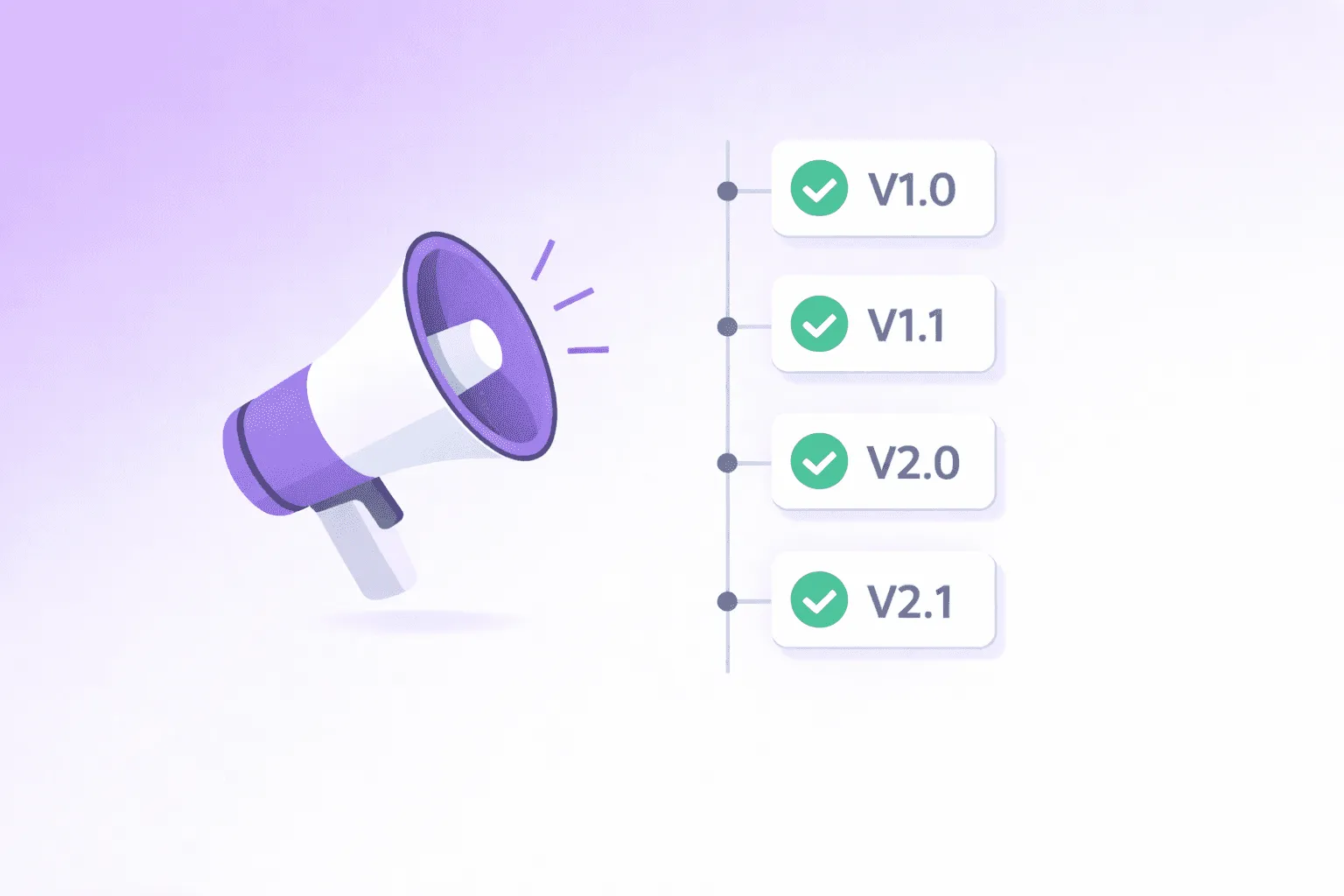
How to Write Release Notes People Actually Read (With Templates)
Learn how to write release notes users actually read. Includes before/after examples, copy-paste templates, and a simple process your team can repeat.
How to Say No to a Feature Request Without Losing the Customer
Learn how to say no to a feature request without losing customer trust. Includes the anatomy of a good no and copy-paste templates for every case.

Why Surveys Don’t Work for Feature Requests (And What to Do Instead)
Give users a place to share and vote on ideas, so you can focus on the features that matter most.
Sleekplan Pricing Explained: What You Actually Pay in 2026
Sleekplan starts free, but team seats, AI credits, and view caps push real costs up fast. Full 2026 plan breakdown — and the $15/mo flat alternative.
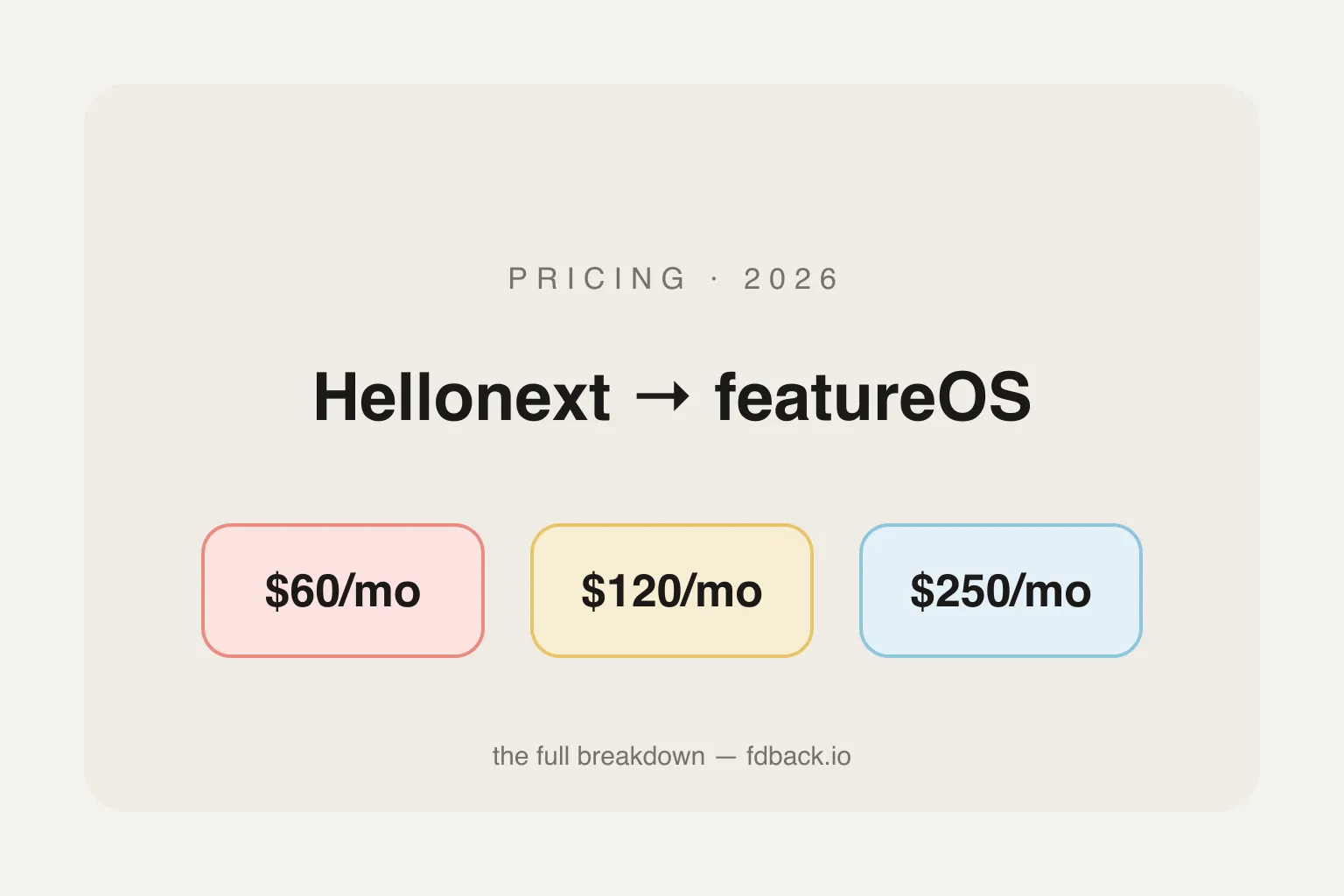
Hellonext Pricing in 2026: It's featureOS Now — Plans & Real Costs
Hellonext rebranded to featureOS in 2023. Plans now run $60–$250/month flat with no free plan, plus $15/mo per extra seat or board. Full 2026 breakdown and cheaper alternatives.