
Feature Request Response Templates: 10 Copy-Paste Replies for Every Situation
9 min readUpdated July 30, 2026
On this page▾
Every feature request deserves a response, but not every response deserves twenty minutes of your day. The requests themselves fall into a handful of predictable buckets — you’re acknowledging, clarifying, promising, shipping, merging, or declining — so the responses should be reusable too.
This is a working template library: ten short, copy-paste responses covering the full lifecycle of a feature request, each with a note on when to use it and what to customize. They work as feedback board comments, support replies, or emails. Steal freely.
Two rules before you copy anything.
Always customize the first line. A template body is fine; a template opening is not. Reference the specific request or use case in your first sentence, because that’s the sentence that proves a human read it.
Never promise what you haven’t decided. The fastest way to burn trust is a “planned” response for something that’s actually a maybe. When in doubt, use the acknowledge or needs-votes templates instead — they commit you to nothing except honesty.
1. The Acknowledgment
When to use it: every new request, within a day or two of it arriving. This isn’t a decision — it’s a receipt. Its only job is to tell the requester a human saw it, so keep it to three sentences and don’t hint at any outcome.
Thanks for writing this up — the [specific detail from their request] context is helpful.
Logging this as an open request so others can vote and add their own use cases. No decision yet; we review requests [cadence, e.g. every couple of weeks] and I’ll update the status here when this one gets discussed.
The one thing to avoid: enthusiasm you can’t back up. “Love this idea!” on a request you’ll later decline makes the decline land twice as hard.
2. The Clarifying Question
When to use it: when the request describes a solution but not the problem, or when you can’t tell what’s actually blocking the user. Answers to this question routinely change what you’d build — or reveal that an existing feature already solves it.
Thanks for this. Before we evaluate it, I want to make sure I understand the underlying problem.
Can you walk me through what you’re trying to accomplish when you reach for [requested feature]? What does your workflow look like right now, and where exactly does it break down?
Asking because there may be more than one way to solve this, and I’d rather solve the actual problem than build the first version of the idea.
That last sentence sets up the possibility that you’ll ship something different from what they asked for — which is often exactly what happens.
3. The Planned Response
When to use it: only when the feature has genuinely been committed to — it’s on the roadmap and someone will actually build it. This is the template teams misuse most. If it’s a “probably,” don’t send this.
Good news: this is planned. It came up repeatedly, the votes backed it up, and it’s now on our roadmap.
I won’t give a date yet — I’d rather ship it than explain a delay — but I’ve updated the status to Planned, and everyone following this request will be notified as it moves. If you have specifics about how you’d want this to work, now is the perfect time to add them.
Inviting input at the “planned” stage is a free design review from the people who’ll actually use the feature. Take advantage of it.
4. The In-Progress Update
When to use it: when development has actually started. Short is fine — the status change itself is the message. This is also a natural moment to recruit beta testers.
Quick update: this is now in development.
If you’d like early access when we have something testable, reply here and I’ll add you to the list. Otherwise, you’ll get a notification the moment it ships.
5. The Shipped Announcement
When to use it: the day the feature goes live. This is the single highest-value message in the entire feedback loop — the “you asked, we built it” moment — so don’t waste it on a bare status change. Tell them exactly where to find the feature and link to it.
It’s live. [Feature] shipped today — you’ll find it in [exact location], and here’s a quick overview: [link to changelog entry or doc].
This one exists because people like you asked for it and voted on it. If it doesn’t work the way you expected, tell me here — feedback in the first week is when it’s easiest to adjust.
If your feedback tool notifies voters automatically when a request moves to shipped, this comment is what they’ll land on. Make it worth the click. (This handoff from request to announcement is the core of a working feedback loop — the templates only work if the statuses behind them are real.)
6. The Duplicate Merge
When to use it: when a new request duplicates an existing one. The wrong move is closing it with a bare “duplicate” label — that reads as a door slammed shut. The right move is redirecting their energy to the existing thread and making sure their vote counts.
Good timing — this is already being tracked here: [link to existing request].
I’m merging this into that thread so all the votes and use cases live in one place; your vote carries over, and you’ll get updates as its status changes. Your point about [specific detail unique to their version] is a useful addition — I’ve noted it on the main thread.
Always carry over the unique detail if there is one. It turns “your request was a duplicate” into “your request made the existing one stronger.”
7. The Needs-More-Votes Response
When to use it: for plausible requests that don’t yet show enough demand to prioritize. This is the honest version of “we’ll add it to the backlog” — same situation, but with a real mechanism instead of a black hole. It only works if votes genuinely influence your prioritization.
This is a reasonable idea, and I don’t want to give you a fake “we’ll consider it.”
Honest picture: right now this hasn’t shown enough demand to beat the things ahead of it. That can change — demand is exactly what we prioritize by. I’m leaving this open for votes, and if it climbs, it gets a real evaluation at our next planning round.
If you know other users who need this, send them here. Votes on this thread are the most direct way to move it.
8. The Workaround Response
When to use it: when the underlying problem is solvable today with existing features, an integration, or a reasonable manual step — whether or not you ever build the native version. Lead with the solution; the requester cares about their problem, not your backlog.
You can actually get this today, just not through a dedicated feature. Here’s how: [2–3 concrete steps, or a link to a doc].
It’s a workaround rather than the built-in version you asked for, so I’m leaving the request open — if enough people need the native version, the votes will tell us. But this should unblock you now.
If the workaround falls short somewhere specific, describe where. That gap is exactly what we’d need to understand before building more.
9. The Decline
When to use it: when the answer is no and will stay no — the request conflicts with the product’s direction or would add complexity that isn’t worth its narrow benefit. Say the actual decision, give the real reason, and don’t dress it up. For a deeper treatment of this one, see our full guide on how to say no to a feature request.
I’ll be direct rather than leave this in review limbo: we’ve decided not to build this.
The reason: [honest reason — e.g., “it pulls the product toward X, and we’ve deliberately chosen to stay focused on Y” or “it would add settings and complexity for everyone to serve a case very few teams have”].
What might help instead: [workaround, integration, or an honest “another tool handles this well”]. I know it’s not the answer you wanted — thanks for taking the time to write it up, and I mean that.
10. The Reopened Request
When to use it: when something previously declined or stalled comes back into play — the product changed direction, demand grew, or a technical blocker disappeared. Teams rarely send this one, which is exactly why it lands so well: it proves that “declined” and “not enough votes” were real statuses, not polite trash cans.
Update on this one: we’re reopening it.
When we [declined this / set this aside] in [rough timeframe], the reason was [old reason]. That’s changed — [what changed: demand kept growing, a rebuild made it feasible, our direction shifted]. It’s now back under active consideration, and everyone following this thread will see status updates from here.
Making Templates Scale
Templates solve the writing problem. They don’t solve the workflow problem — knowing which requests need which response, who voted on what, and who to notify when a status changes.
That part is structural. If requests arrive by email and live in a spreadsheet, every one of these templates has to be sent by hand to a list of people you’re tracking manually. If requests live on a feedback board with voting, most of this collapses into status changes: mark a request as Planned or Shipped and every voter is notified automatically, with your comment attached. That’s the setup these templates are written for — in a tool like fdback, templates 3, 4, 5, and 6 are one status change plus one pasted comment, and the notifications handle themselves.
Save all ten somewhere your whole team can reach — a snippet tool, a shared doc, or your support platform’s saved replies. The goal is that responding to a feature request never takes more than two minutes, because a two-minute response you actually send beats a perfect response you never get around to.
FAQ
How fast should I respond to a feature request?
Acknowledge within one to two business days — that’s template 1, and it takes thirty seconds. The decision itself can take as long as it needs, because “we saw this and we’ll review it on [cadence]” buys you honest time. What kills trust isn’t a slow decision; it’s silence.
Should responses be public or private?
Public by default, if the request lives on a public board. A public answer is searchable, stops the next duplicate before it’s posted, and shows every visitor that requests get real responses. Go private only when the answer involves confidential details or a specific customer’s account.
Won’t customers notice I’m using templates?
They’ll notice a template opening, which is why you always rewrite the first line to reference their specific request. Nobody minds a structured body — support teams have used saved replies for decades. What people mind is the feeling that no human read their request, and one specific sentence up top solves that.
What if I honestly don’t know whether we’ll build it?
Say that — it’s what templates 1 and 7 are for. “No decision yet, here’s when we review” and “not enough demand yet, votes move it” are both complete, honest answers that commit you to nothing except a process. The only wrong answer is a fake “planned” or a vague “soon” you can’t back up.
More insights to explore

UserVoice Pricing Explained: What You Actually Pay in 2026
UserVoice starts at $999/month with a 200-user cap. We break down every plan, explain the hidden costs, and compare alternatives that cost 95% less.

How to Announce Product Updates: Channels, Timing, and a Workflow That Scales
A practical guide to announcing product updates: in-app widget, changelog page, email, and social — when to use each channel and a workflow that scales.
The 8 Best Featurebase Alternatives in 2026 (Honestly Compared)
Featurebase now bundles a support suite at $29–99/seat plus $0.49 per AI resolution. We compare 8 alternatives on pricing, features, and the feedback loop.
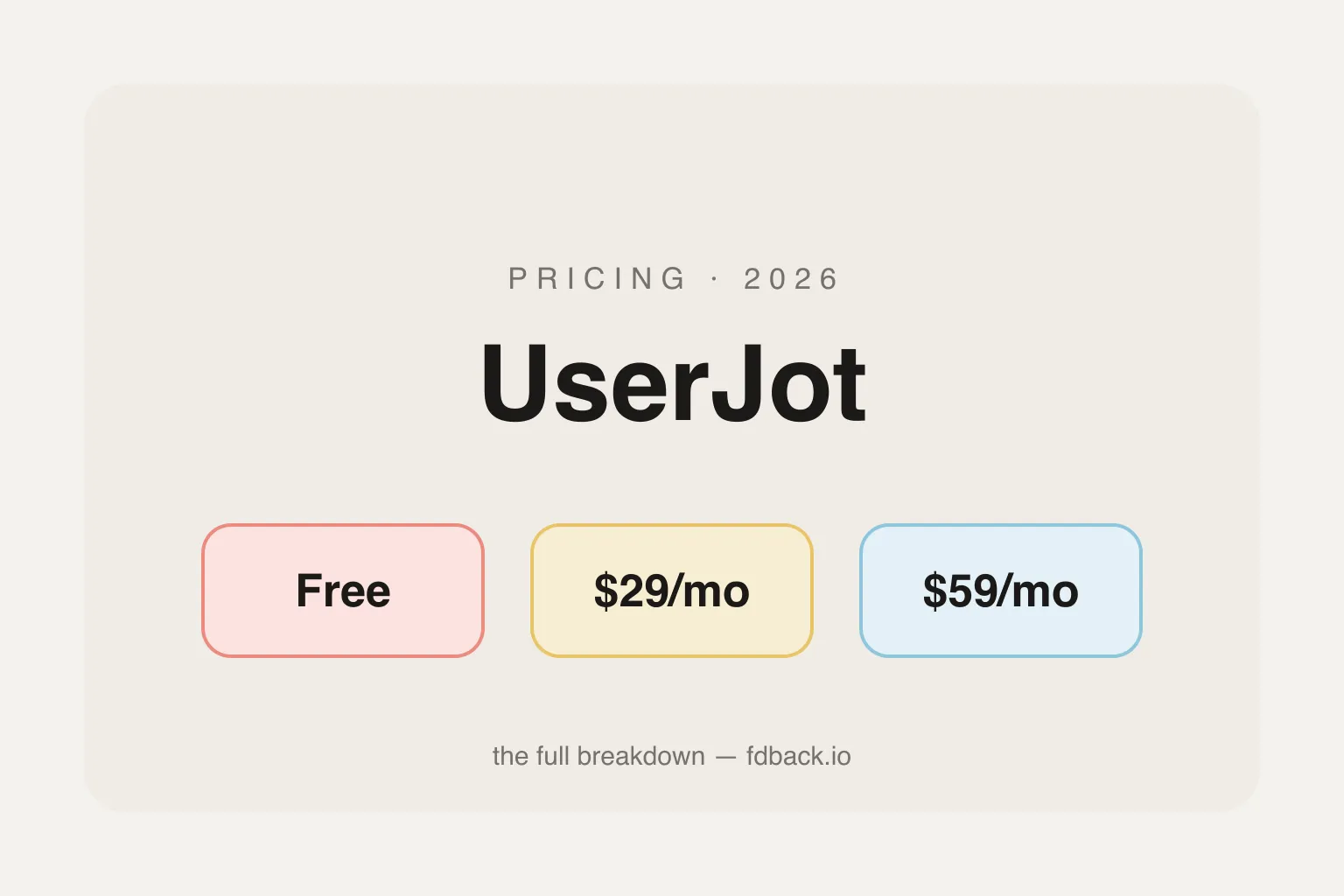
UserJot Pricing Explained: What You Actually Pay in 2026
UserJot costs $0–$59/month flat with unlimited users on every plan. Full 2026 breakdown of what Free, Starter, and Professional actually include — and how it compares to fdback's $15/mo.
The 7 Best UserVoice Alternatives in 2026 (Honestly Compared)
UserVoice starts at $999/month with a 200-user cap and no public roadmap. We compare 7 alternatives on pricing and features — from $0 to enterprise.
The 5 Best Beamer Alternatives in 2026 (Honestly Compared)
Beamer charges by MAU and gates feedback behind a $99/mo add-on. We compare 5 alternatives that include changelog, roadmap, and voting in one price.