Frill vs Nolt 2026: Idea Caps or Board Caps?
9 min readUpdated October 20, 2026
On this page▾
Frill and Nolt sit in the same corner of the feedback-tool market: flat pricing, no per-user fees, clean interfaces, and a deliberate distance from enterprise suites. If you’re choosing between them, you’ve already ruled out tracked-user billing (Canny) and per-seat billing (Featurebase). Good instinct — but these two tools cap you in very different places.
Frill is a complete feedback suite sold in pieces: boards, roadmap, announcements, surveys, and widgets, with privacy and white-labeling as paid add-ons. Nolt is a well-crafted voting board that has grown into a feedback-roadmap-changelog suite, priced by how many boards you run.
This guide compares them on scope, pricing, and long-term fit. Full disclosure: I built fdback, a flat-rate alternative to both. I’ll flag it where relevant, but the rest of this article is about choosing honestly between Frill and Nolt.
Quick Verdict
Pick Frill if: you want boards, roadmap, changelog, surveys, and widgets in one tool, your feedback volume is modest, and you’re comfortable with add-on pricing as your needs grow.
Pick Nolt if: you have lots of feedback on one board, need SSO on a small budget, or want AI to draft your changelog from GitHub commits.
Pick neither if: a free plan matters to you. Neither tool has one — Frill offers a 14-day trial, Nolt a 10-day trial on Pro, and after that you’re paying.
The Real Difference: What Each Plan Caps
At entry level the prices are nearly identical — Frill’s Startup plan is $25/month, Nolt’s Essential is $29/month billed annually ($39 month-to-month). What that money buys is where the comparison actually happens.
Frill’s $25 covers the full workflow: a feedback board, roadmap, announcements, widgets, one survey, unlimited teammates, and unlimited tracked users. The constraint is volume — you’re capped at 50 active ideas, and once your users get talkative you’re looking at the $49 Business plan.
Nolt’s $29 covers one board with voting, a roadmap, a changelog, custom fields and statuses, private boards, a custom domain, and — unusually at this price — JWT-based SSO. Posts are unlimited. The constraint is board count: one board until you pay $69 for Pro, and issue-tracker sync (Jira, Linear, Asana) only on Pro.
Put simply: Frill limits how much feedback you can hold. Nolt limits how many boards you can run.
Feature Comparison
| Frill | Nolt | |
|---|---|---|
| Feedback board + voting | ✅ | ✅ |
| Public roadmap | ✅ | ✅ |
| Changelog / announcements | ✅ | ✅ (AI drafts from posts or GitHub commits) |
| Voter notifications | ✅ | ✅ |
| Surveys | 1 on Startup, 3 on Business, more +$25/mo | ❌ |
| Idea/post limit | 50 active ideas on Startup, unlimited from $49 | Unlimited posts |
| Boards | Tiers gated by ideas and features, not boards | 1 (Essential), 5 (Pro), unlimited (Enterprise) |
| SSO | Not a published selling point | JWT SSO from $29, SAML on Enterprise |
| Embedding | Native widgets | Website widget + in-app changelog widget |
| Team members | Unlimited | Unlimited |
Changelog and closing the loop
Both tools now close the loop. Frill includes announcements alongside boards and roadmap on every tier, so when you ship something users asked for, you can tell them inside the same tool. Nolt’s changelog is included from the Essential plan: its AI drafts entries from completed feedback posts or GitHub commits, entries can be scheduled, translated, shown in an in-app widget, and emailed to subscribers, and voters get an email when their request is completed.
Winner: Tie on the basics. Nolt edges it if you want release notes drafted straight from your GitHub commits.
Integrations
Frill includes GitHub and Jira sync on its lower plans, which is genuinely rare at flat prices. Nolt’s Essential plan connects to Slack, Discord, GitHub, and Trello; the longer list — Zapier, Make, Pabbly, Intercom, Microsoft Teams, Linear, monday.com, Asana, Jira, and the data export APIs — only unlocks on the $69 Pro plan.
Winner: Frill for cheap GitHub/Jira access. Nolt Pro has the broader connector list, but you pay $69/month to reach it.
Moderation and AI
Nolt has duplicate detection and a merge tool for combining similar ideas. Advanced moderation and profanity filters arrive on Pro, and AI-assisted automated moderation is Enterprise-only. Its most visible AI feature is the changelog drafting covered above. Frill’s AI capabilities exist but sit partly behind add-ons.
Winner: Nolt, narrowly. Neither tool makes AI moderation a headline strength on its cheaper plans.
Embedding in your app
Frill ships widgets on its plans, so feedback collection can live inside your product. Nolt offers a website widget for its board plus an in-app widget for changelog updates.
Winner: Tie.
Team access
A genuine shared strength: Frill gives you unlimited teammates and unlimited tracked users, and Nolt gives you unlimited users, posts, and admins on every plan. Neither tool punishes you for adding colleagues or for user growth.
Winner: Tie.
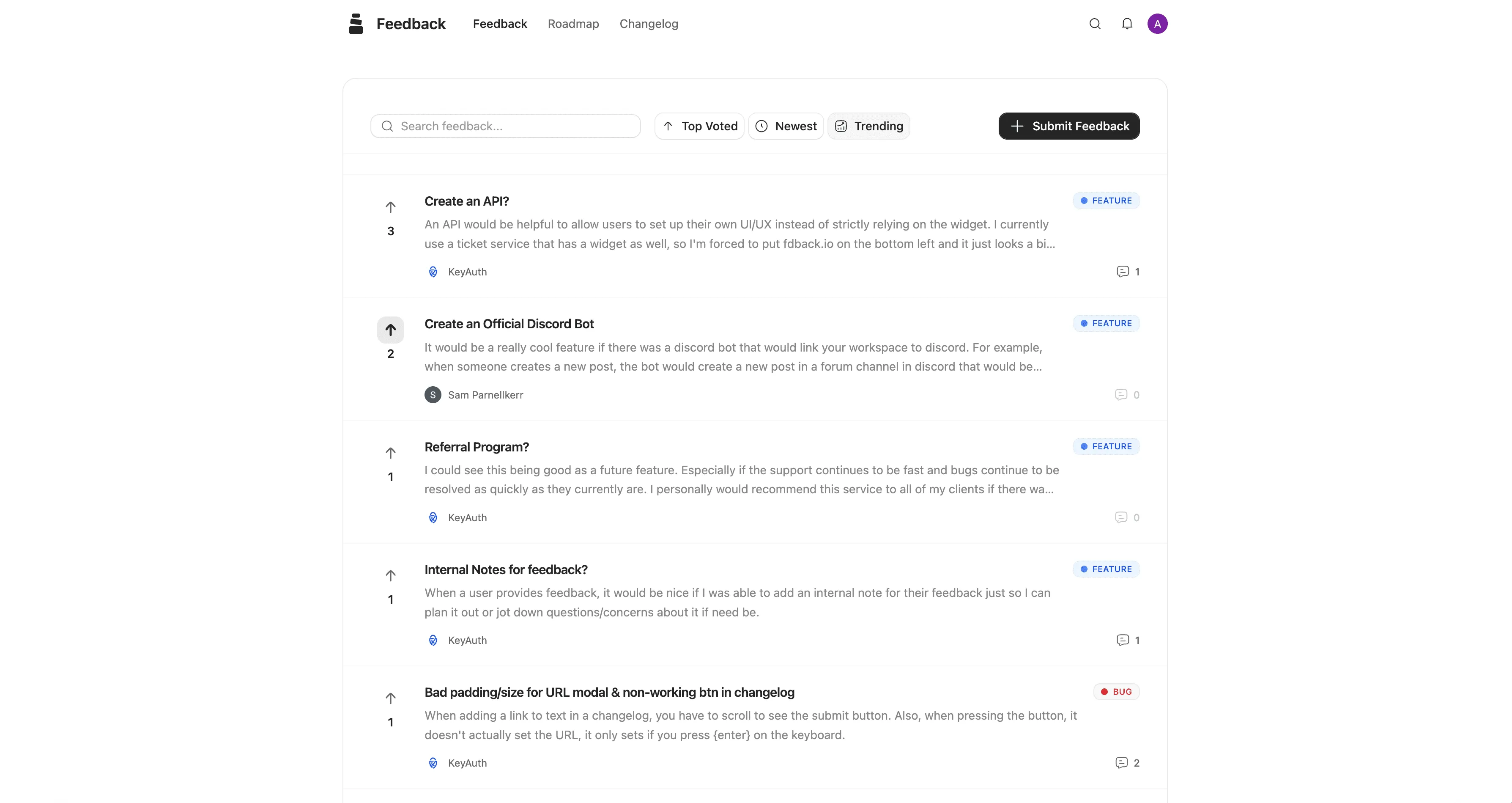
Pricing Comparison
Frill plans
| Plan | Price | The catch |
|---|---|---|
| Startup | $25/month | 50 active ideas, 1 survey |
| Business | $49/month | Unlimited ideas, but privacy/surveys/white-label still cost extra |
| Growth | $149/month | Everything included |
| Enterprise | From $349/month | Compliance and security needs |
Add-ons: privacy +$25/month, surveys +$25/month, white-labeling +$100/month. A Business plan with privacy and white-labeling runs $174/month. Full breakdown in the Frill pricing guide.
Nolt plans
| Plan | Price (annual) | Price (monthly) | What you get |
|---|---|---|---|
| Essential | $29/month | $39/month | 1 board, changelog, JWT SSO, custom domain, Slack/Discord/GitHub/Trello |
| Pro | $69/month | $89/month | 5 boards, advanced moderation, PM integrations, password protection, data export APIs |
| Enterprise | Custom | Custom | Unlimited boards, SAML/OIDC SSO, SCIM, AI-assisted moderation, 99.9% SLA |
No add-ons to stack. Nolt also runs a separate EU-hosted instance at €39/month (Essential) and €79/month (Pro), billed annually. Details in the Nolt pricing guide.
Real Cost Scenarios
Solo founder, one public board, light volume: Frill Startup at $25/month vs Nolt Essential at $29/month. Frill is slightly cheaper and includes a survey; Nolt gives you unlimited posts where Frill caps you at 50 ideas. If your feedback trickles in, Frill wins. If it pours, the cap forces an early upgrade to $49.
Growing product, feedback piling up: Nolt stays at $29 with unlimited posts and its changelog. Frill needs the $49 Business plan for unlimited ideas. Over a year that’s $588 on Frill vs $348 on Nolt for a similar loop on one board.
Bugs and feature requests on separate boards: Nolt’s single-board Essential can’t do it — you’re on Pro at $69/month ($828/year), paying for five boards to use two. Frill’s tiers aren’t gated by board count, so this scenario doesn’t force an upgrade the same way.
Fully branded portal: Frill publishes the price: the $149/month Growth plan, or the +$100/month white-label add-on — up to $1,788/year. On Nolt, check which plan covers your branding needs before you commit; anything past five boards is Enterprise with custom pricing.
Who Frill Is Built For
-
Teams that want boards, roadmap, changelog, and surveys from one vendor at a flat rate
-
Workflows that run through GitHub or Jira and need cheap sync
-
Products whose feedback volume justifies the $49 Business plan
-
Teams that value a polished, customer-facing portal and will eventually pay for white-labeling
Who Nolt Is Built For
-
Teams that need SSO under $30/month — few budget tools offer it at all
-
High-volume products that live on one board and don’t want an idea cap
-
Developer-heavy teams that want changelog drafts generated from GitHub commits
-
European teams that need EU data residency (the EU-hosted instance)
The Honest Verdict
Both tools now cover the whole loop — board, roadmap, changelog, voter notifications — so the choice comes down to where each one caps you. Frill caps ideas and sells add-ons. Nolt caps boards and has no free plan.
-
Under 50 active ideas and want surveys? Frill Startup at $25 is the better deal.
-
High feedback volume on one board? Nolt Essential holds unlimited posts at $29 while Frill would push you to $49.
-
Need SSO on a tight budget? Nolt. Almost nothing else offers it at $29/month.
-
Need separate boards on a small budget? Frill, since its tiers aren’t gated by board count; Nolt jumps to $69.
-
Want cheap Jira or GitHub sync? Frill includes it on lower plans; Nolt makes you pay for Pro.
The uncomfortable truth for both: neither has a free plan, and both get expensive at the exact moment you want more — Frill through add-on stacking, Nolt through the $69 Pro jump for a second board or an issue-tracker integration.
A Simpler Alternative to Both
If the trade-off between Frill’s idea caps and add-ons and Nolt’s board caps feels like choosing between two compromises, that’s the gap fdback was built for.
There’s a free plan with unlimited users to start, and Pro is $15/month flat for 10 boards, a custom domain, branding removal, and Jira, Linear, and Asana integrations. Every plan includes feedback boards, voting, public roadmap, changelog, automatic voter notifications, a native in-app widget, and duplicate and spam detection (AI auto-tagging is on Pro). Unlimited ideas, unlimited users and admins. No add-ons to stack, no per-board upgrade cliff at board two.
What you give up: Frill’s GitHub sync, Nolt’s SSO, and Nolt’s AI changelog drafting from commits. If any of those is a hard requirement, stick with the tool that has it. Otherwise, compare directly: fdback vs Frill and fdback vs Nolt. For the wider field, see the Frill alternatives list.
FAQ
Which is cheaper: Frill or Nolt?
At entry level, Frill — $25/month vs Nolt’s $29/month (annual billing). But Frill’s Startup plan caps you at 50 active ideas, so high-volume boards end up on the $49 Business plan, while Nolt stays at $29 with unlimited posts on one board.
Does Nolt include a changelog?
Yes. Nolt’s changelog is included from the Essential plan, with AI that drafts entries from completed feedback posts or GitHub commits, an in-app widget, and email announcements. Frill includes announcements across its tiers too, so the bigger differences now are Frill’s idea cap and add-ons versus Nolt’s board limits and missing free plan.
Do Frill or Nolt offer free plans?
Neither does. Frill gives you a 14-day trial and Nolt a 10-day trial of its Pro plan with no credit card required. If a permanent free tier matters, look at fdback or Sleekplan instead.
Can Nolt handle multiple products or separate bug/feature boards?
Only on the $69/month Pro plan, which includes 5 boards. The $29 Essential plan is strictly one board, and more than five boards means Enterprise with custom pricing.
What’s a cheaper option with a changelog and several boards?
fdback skips Frill’s add-on pricing and Nolt’s per-board jump: $15/month flat for 10 boards with unlimited ideas and users, changelog and voter notifications included — plus a free plan neither Frill nor Nolt offers.
Still Deciding?
If Frill’s suite fits your workflow, its $49 Business plan is solid value. If Nolt’s board-based plans match your needs exactly, it will serve you reliably. But if you’re hesitating because one caps your ideas and the other caps your boards, fdback covers the complete loop for $15/month flat.
More insights to explore
Best Feedback Tools for SaaS Teams in 2026
An honest comparison of the best SaaS feedback tools in 2026 - from $15/mo to $999/mo. Feature voting, roadmaps, changelogs, and pricing compared side by side.
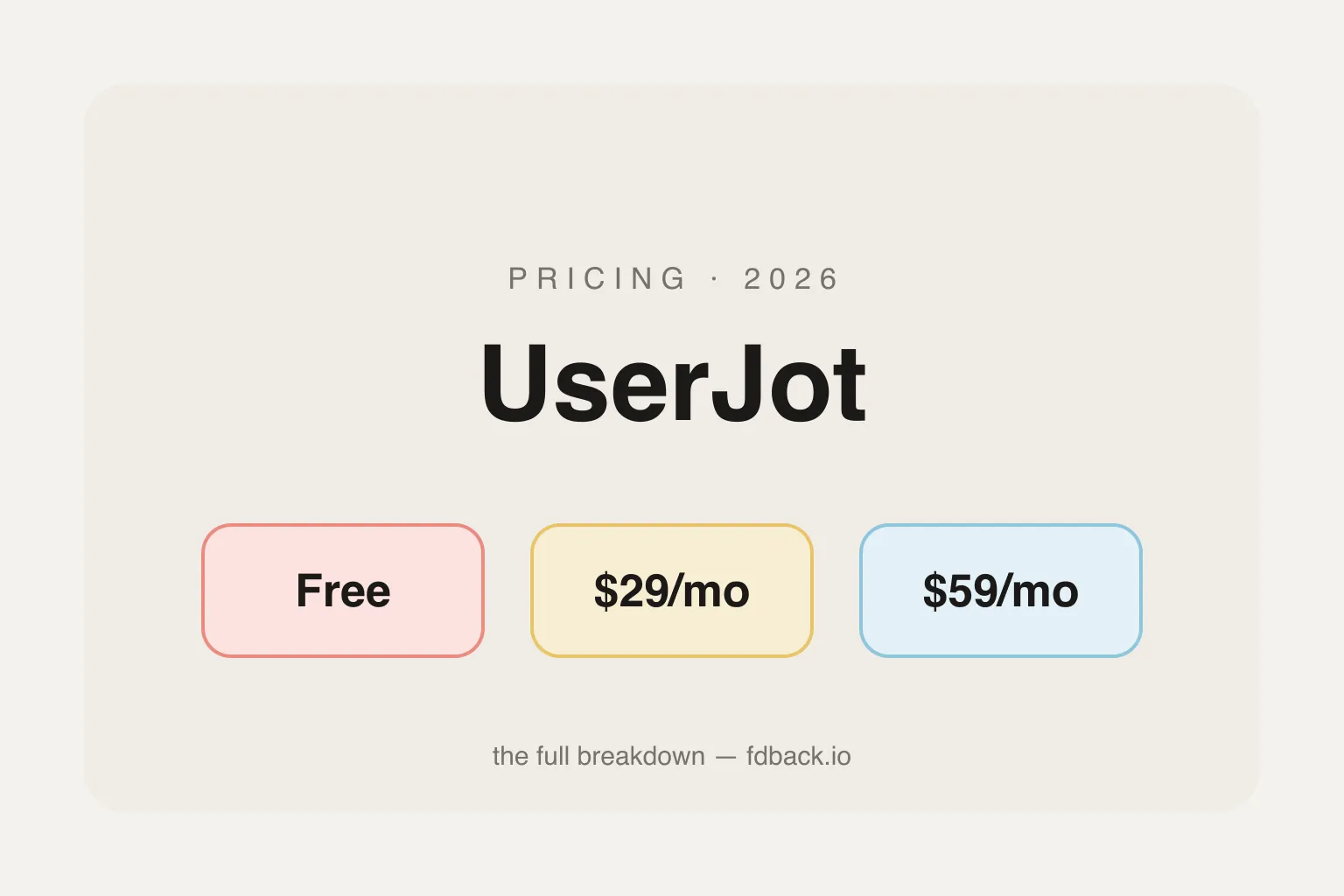
UserJot Pricing Explained: What You Actually Pay in 2026
UserJot costs $0–$59/month flat with unlimited users on every plan. Full 2026 breakdown of what Free, Starter, and Professional actually include — and how it compares to fdback's $15/mo.
The 7 Best Productboard Alternatives in 2026 (Honestly Compared)
Productboard runs $19–59/maker/mo with credit-capped AI, and has no changelog or public voting. We compare 7 alternatives for feedback, roadmaps, and shipping.
Feature Voting Boards: The Complete Guide for SaaS Teams
Complete guide to setting up feature voting boards for SaaS. Includes setup steps, best practices, and tools that close the feedback loop.
The 7 Best Nolt Alternatives in 2026 (Honestly Compared)
Nolt costs $29–69/mo with no free plan and one board on the entry plan. I compare 7 alternatives on pricing, boards, integrations, and the feedback loop.

How to Announce Product Updates: Channels, Timing, and a Workflow That Scales
A practical guide to announcing product updates: in-app widget, changelog page, email, and social — when to use each channel and a workflow that scales.