
How to Triage Customer Feedback Without Drowning in It
9 min readUpdated July 30, 2026
On this page▾
- The Triage Funnel at a Glance
- Stage 1: Capture Everything in One Place
- Stage 2: Dedupe Ruthlessly
- Stage 3: Categorize With a Small, Boring Taxonomy
- Stage 4: Prioritize — But Only on a Cadence
- Stage 5: Respond — the Stage Everyone Skips
- Cadence: The Daily Quick Pass and the Weekly Deep Pass
- Who Owns Triage at Each Team Size
- When to Automate (and When Not To)
- FAQ
Customer feedback has a failure mode that nobody warns you about: success. When your product is small, you read every message and reply personally. Then it grows, and the same habit that made customers love you becomes a backlog of 400 unread items you feel guilty about. Eventually you stop opening the tab.
The fix isn’t reading faster or caring harder. It’s triage — a repeatable process that turns a raw stream of messages into a small set of decisions, on a schedule, owned by someone specific. Hospitals don’t treat patients in arrival order, and you shouldn’t process feedback in inbox order either.
This article lays out the triage funnel stage by stage, the categories that keep it sane, the cadence that keeps it sustainable, and who should own it as your team grows.
The Triage Funnel at a Glance
Every piece of feedback should flow through five stages:
Capture → Dedupe → Categorize → Prioritize → Respond
Each stage reduces volume and adds structure: a hundred raw messages become sixty unique items, then a labeled list, then a handful of decisions communicated back to the people who asked. Most teams skip straight from capture to prioritize — arguing about what to build while their data is still a pile of duplicates and vague one-liners. Run the stages in order and prioritization gets dramatically easier, because you’re comparing clean, counted demand instead of anecdotes.
Stage 1: Capture Everything in One Place
Feedback arrives everywhere: support tickets, sales calls, cancellation surveys, tweets, Discord, that one email your cofounder forwarded with “thoughts?” as the subject line. You can’t triage what’s scattered across seven tools, so the first rule is a single destination.
That destination can be a dedicated customer feedback tool, a board, or even a spreadsheet at the very beginning — the tool matters less than the rule: if it’s not in the system, it doesn’t exist. Every channel needs a forwarding path. Support logs requests from tickets, sales notes asks from calls, and a public board or in-app widget lets users submit directly — where they see and vote on each other’s requests, doing some of your deduplication for you.
Two capture habits pay off later: preserve who asked (prioritization data you can’t reconstruct afterward), and capture the problem in the user’s words. “Export is too slow for our monthly reporting” is triage-able; “customer unhappy with exports” is not.
Stage 2: Dedupe Ruthlessly
Deduplication is the least glamorous stage and the highest-leverage one. Raw feedback overweights whoever wrote in most recently and undercounts everything, because the same request phrased five different ways looks like five small items instead of one significant one.
When a new item matches an existing one, merge it: the submitter becomes a voter on the original, their phrasing is preserved in the thread, and the count goes up by one. Done consistently, vote counts become real demand data — the difference between “a few people mentioned dark mode” and “31 accounts have asked, including two of our ten largest.”
The judgment call is what counts as a duplicate. “Slack integration” and “notify my team in Slack when a ticket updates” might be the same request or two different ones. When unsure, merge — a merged item with a clarifying comment is recoverable; two parallel items splitting the same demand is silent data corruption. This is also where spam and off-topic submissions get binned, so everything downstream is signal.
Stage 3: Categorize With a Small, Boring Taxonomy
Categories exist to route items and reveal patterns, not to build a beautiful taxonomy. Four buckets cover almost everything for a SaaS product:
Bug — something is broken relative to how the product is supposed to work. Bugs skip the rest of the triage funnel: they get severity-assessed and routed to the engineering tracker immediately. Feedback triage is not bug triage; mixing the two queues means either bugs wait a week or feature requests get treated as emergencies.
Feature request — the user wants something the product doesn’t do. This is the bulk of your board and the main input to prioritization.
UX friction — the product does the thing, but the user couldn’t find it, misunderstood it, or needed too many steps. These are easy to misfile as feature requests (“add a button for X” when X exists behind two clicks). They’re often the cheapest wins in your backlog, so give them their own bucket rather than letting them drown among feature asks.
Pricing & packaging — complaints about cost, plan limits, or which features sit on which tier. These route to whoever owns pricing, not product, and they’re disproportionately valuable as churn early-warnings — exactly the signal a working feedback loop exists to catch.
Add a category only when a real routing need forces it (many teams eventually add “Integration”), and resist going past six — every extra category makes filing slower and reports noisier.
Alongside the category, tag the product area (editor, billing, API…) and, if your tool supports it, the customer segment. Category answers “what kind of item?”; tags answer “where does demand cluster?”
Stage 4: Prioritize — But Only on a Cadence
Here’s the counterintuitive part: prioritization is the stage you should do least often. Capture and dedupe are continuous; deciding what to build is a weekly decision at most. Teams that re-prioritize every time an interesting request lands ship according to recency, not importance.
At triage time you’re not building a roadmap — you’re sorting items into three piles:
- Now-relevant: aligns with current strategy, meaningful demand, plausible scope. These go into your real prioritization process for scoring and scheduling.
- Later: legitimate but not now. Leave it on the board accumulating votes. No further thought required this week.
- Never: conflicts with your strategy or serves a customer you’re not building for. Close it and say why — an honest “we’re not building this” costs less trust than years of zombie “under review” status.
For the now-relevant pile, weigh demand (votes, deduped counts), revenue exposure (who’s asking), strategic fit, and effort. The full scoring frameworks — RICE, value-vs-effort, and when vote counts mislead — are covered in our guide to collecting and prioritizing feature requests; triage’s job is just to feed that process clean input.
Stage 5: Respond — the Stage Everyone Skips
Triage isn’t finished when you’ve made the decision. It’s finished when the person who gave you the feedback knows what you decided. This is where the compounding happens: users who get responses submit more (and better) feedback; users who hit silence stop submitting and quietly downgrade their opinion of you.
Responding does not mean hand-writing replies to every submission — status changes do the talking. Moving an item to Planned notifies everyone who voted; shipping it notifies them again; declining it comes with an honest sentence of reasoning. Tools built around a public board — fdback among them — automate the mechanical part, so closing the loop costs you a status update rather than forty emails.
It also makes the next cycle cheaper: users who trust the process submit to the board instead of DMing the founder.
Cadence: The Daily Quick Pass and the Weekly Deep Pass
The funnel fails if it runs “whenever someone has time.” Two rhythms keep it alive:
The daily quick pass (10–15 minutes). Skim new arrivals: merge obvious duplicates, apply categories, route bugs, flag anything urgent (a security report, a big account signaling churn intent). You are explicitly not making build decisions — you’re keeping the queue clean so nothing rots. If volume is low this takes five minutes; do it anyway, because the habit is the point.
The weekly deep pass (45–60 minutes). Work through the categorized backlog: sort into now/later/never, close items with reasons, update statuses on the public roadmap, and pull now-relevant items into your prioritization discussion. Look at the week’s patterns — three UX-friction reports about the same screen are one insight, not three items.
The split matters because the passes need different mindsets: the quick pass is clerical and interruptible, the deep pass needs judgment and context. Combine them and you either make strategy calls in inbox-skim mode or spend an hour a day on clerical work.
Who Owns Triage at Each Team Size
Triage without a named owner degrades into everyone assuming someone else read it.
Solo founder / 2–3 people: You own it, and the daily pass doubles as customer research. The risk at this size isn’t neglect — it’s over-responsiveness: shipping whatever the last customer asked for. The weekly deep pass is your defense; hold build decisions until then.
Small team (4–15): Assign one named owner — usually the founder still closest to product, or the first PM. Support and sales feed the system but don’t make triage decisions. The weekly deep pass becomes a 30-minute standing slot where the owner brings top items to whoever decides roadmap.
Growing team (15–50): The PM for each product area owns triage for their area’s tags; one person (often product ops or the lead PM) owns the funnel itself — the categories, the cadence, the hygiene. Support gets an explicit escalation path for urgent items so “urgent” doesn’t mean “posted in Slack and hoped.”
Beyond 50: Triage becomes a process with tooling, SLAs (“every item categorized within 48 hours”), and dashboards. The failure mode flips: feedback isn’t ignored, it’s so processed that raw customer voice never reaches the people building. Counteract it deliberately — verbatim quotes in specs, engineers reading the board, founders doing the occasional quick pass themselves.
When to Automate (and When Not To)
Automation belongs at the top of the funnel, where the work is pattern-matching, and stays away from the bottom, where the work is judgment.
Automate early and confidently: spam and junk filtering, duplicate detection (suggesting likely matches at submission time), auto-categorization into your bug/feature/UX/pricing buckets, and sentiment or churn-risk flagging. These are the tasks that make the daily pass tedious, modern AI handles them well, and it’s increasingly table stakes in feedback tools.
Keep humans on: the final merge decision (auto-suggest, human confirms — a wrong merge silently destroys demand data), everything in the prioritize stage, and every decline message. “Our AI decided not to build your feature” is not a sentence any customer should ever infer.
The right time to add automation is when the daily quick pass consistently exceeds 15 minutes. Before that, manual triage is how you develop the pattern recognition that tells you what to automate later.
FAQ
How is feedback triage different from prioritization?
Triage turns raw feedback into clean, deduplicated, categorized, counted items; prioritization decides what to build from that list. Conflate them and you end up debating roadmap every time a message arrives. Triage runs on a daily and weekly cadence; prioritization runs weekly at most, on the clean data triage produces.
How often should we triage customer feedback?
Two rhythms: a daily 10–15 minute quick pass (merge duplicates, categorize, route bugs, flag anything urgent) and a weekly 45–60 minute deep pass (sort into now/later/never, update statuses, feed prioritization). Daily keeps the queue from rotting; weekly is where decisions happen.
Should we respond to every piece of feedback?
Every piece should get a response, but not a hand-written one. Let status changes carry the load: merging a duplicate shows the submitter their request exists and has support, moving an item to Planned or Shipped notifies every voter, and declining an item comes with one honest sentence of reasoning. The only responses needing real human effort are declines and high-stakes accounts.
What’s the best tool for triaging feedback?
At low volume, a spreadsheet works. The upgrade trigger is duplicates: once you’re manually cross-referencing whether a request already exists, you want a feedback board with voting, merging, categories, statuses, and voter notifications. Dedicated tools (fdback, Canny, Frill, and others) are built around this workflow; the differences are mostly pricing and how much triage they automate.
More insights to explore
Featurebase vs Beamer 2026: Feedback Platform or Changelog Tool?
Featurebase is a feedback platform with a changelog. Beamer is a changelog tool without feedback boards. Which to pick in 2026 — and when you need neither.
In-App Feedback Widget for SaaS: The Complete Setup Guide
In-app feedback widgets collect 3x more feedback than separate pages. Complete setup guide for SaaS teams, plus tool comparisons.
Best Feedback Tools for SaaS Teams in 2026
An honest comparison of the best SaaS feedback tools in 2026 - from $15/mo to $999/mo. Feature voting, roadmaps, changelogs, and pricing compared side by side.
Canny vs Featurebase 2026: Which Feedback Tool Should You Pick?
Canny bills per tracked user, Featurebase per seat plus AI fees. Side-by-side pricing tables, feature comparison, and which tool wins for your team size.
Sleekplan Pricing Explained: What You Actually Pay in 2026
Sleekplan starts free, but team seats, AI credits, and view caps push real costs up fast. Full 2026 plan breakdown — and the $15/mo flat alternative.
Hellonext Pricing in 2026: It's featureOS Now — Plans & Real Costs
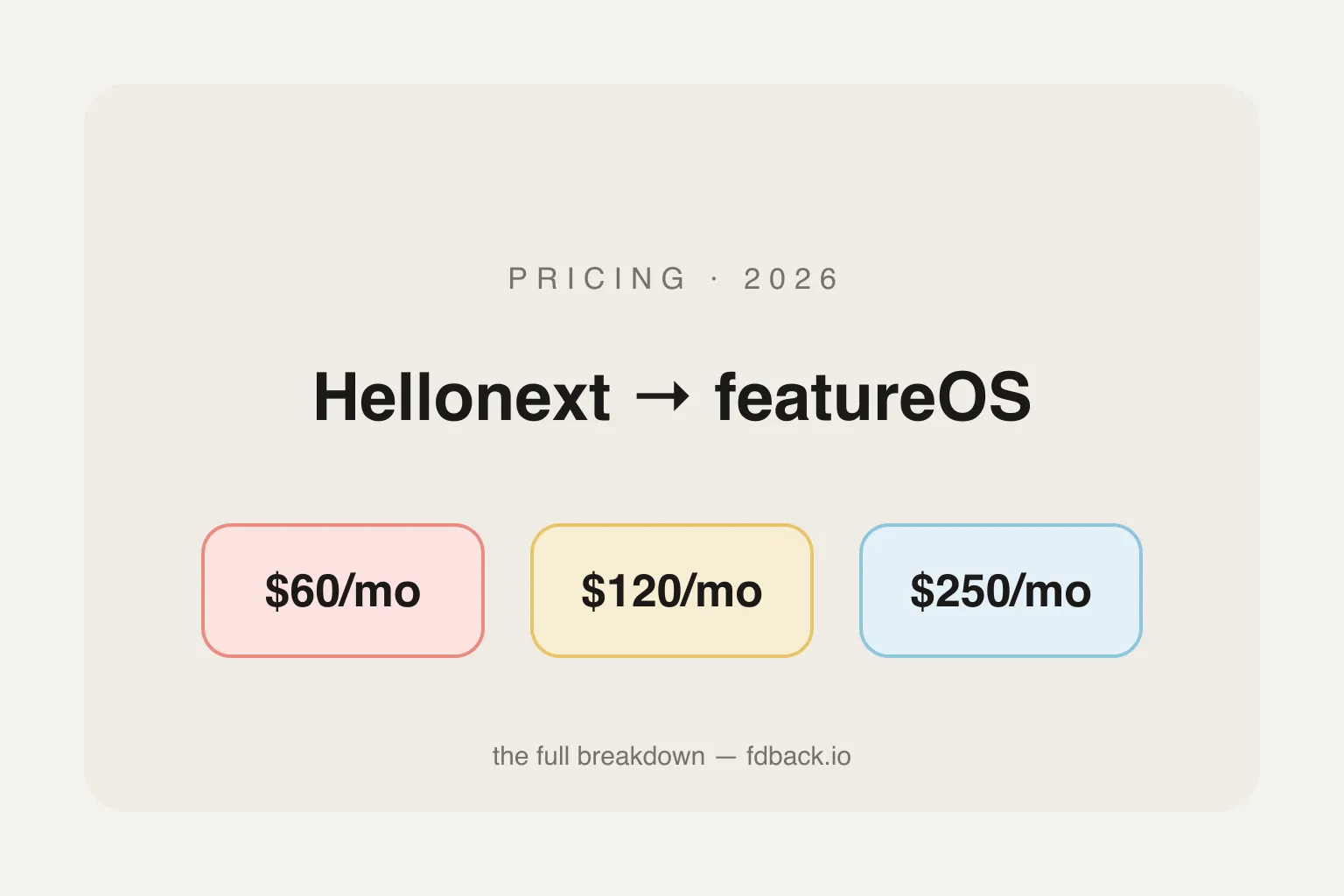
Hellonext rebranded to featureOS in 2023. Plans now run $60–$250/month flat with no free plan, plus $15/mo per extra seat or board. Full 2026 breakdown and cheaper alternatives.